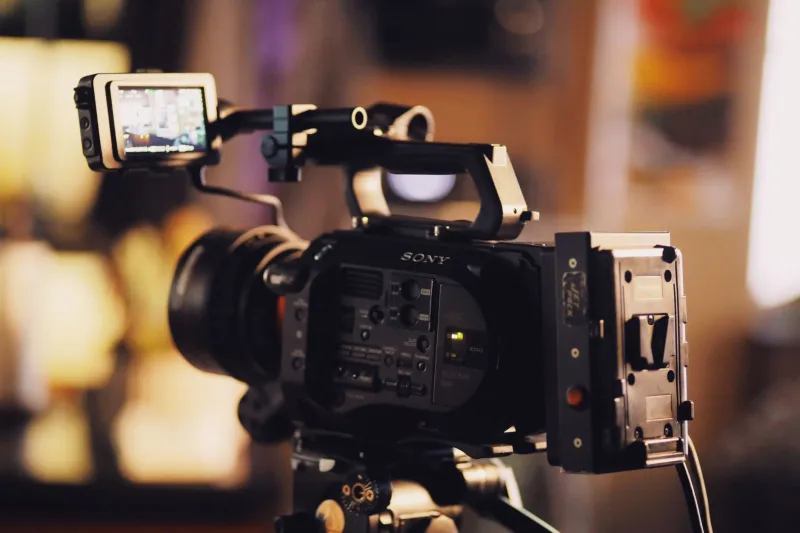
Three Codecs, One Six-Minute Short: What ProRes, H.265, and RAW Really Cost You
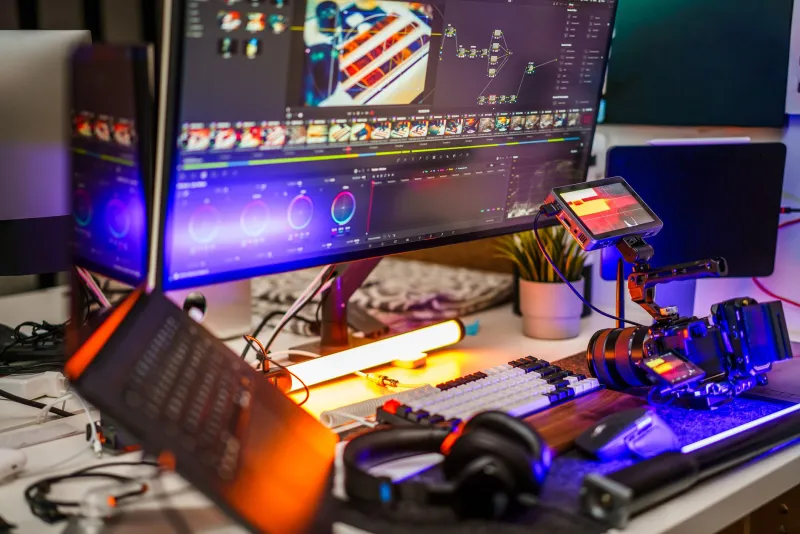
Codec arguments tend to be settled by whoever has the fastest drive. That is not useful for the indie editor cutting on a two-year-old laptop with one external SSD and a deadline. So instead of ranking formats in the abstract, we took a single six-minute narrative short and pushed it through three complete post pipelines — ProRes, H.265, and camera RAW — on hardware a working freelancer might actually own.
The goal was not to crown a winner. It was to put numbers on the trade so you can pick per project instead of per ideology.
The test bench
The short was shot on a Blackmagic Pocket 4K with a Sigma 18-35mm, about 90 minutes of usable footage plus a handful of pickups. The master negative was captured in Blackmagic RAW 5:1 at 4K DCI, 24 fps, and then converted two ways for the comparison:
- RAW: the original BRAW files, edited and graded directly.
- ProRes: transcoded to ProRes 422 HQ at 4K for the finish, with standard ProRes 422 as the editing proxy set.
- H.265: a 10-bit 4:2:2 H.265 mezzanine at roughly 100 Mbps, made with hardware encoding, which is how most low-budget shops would generate it.
Two machines handled the work: an M1 Mac mini with 16GB of unified memory and an external USB-C SSD, and a Windows box with a Ryzen 5 5600, 32GB of RAM, and a 12GB RTX card. Software was DaVinci Resolve (free version for H.265 and ProRes, Studio for the RAW-only features), with a Premiere Pro round-trip tested on the ProRes and H.265 timelines to confirm the numbers were not a single-app fluke.
Storage: the number that surprises people first
Ballpark figures for the same 90 minutes of source:
| Pipeline | Approx. source size | Approx. with proxies |
|---|---|---|
| BRAW 5:1, 4K | 90–120 GB | +90 GB |
| ProRes 422 HQ, 4K | 250–300 GB | +80 GB |
| H.265 10-bit, ~100 Mbps | 40–50 GB | none needed |
| ProRes 422 (proxy set) | — | 80–90 GB |
ProRes 422 HQ is the storage hog by a wide margin — roughly triple the RAW footprint for the same runtime. H.265 looks almost free until you account for the fact that you should be keeping an archive copy of something, and cheap H.265 is not an archive format.
The practical read: RAW is not the expensive option at 4K. Uncompressed-ish intermediate codecs are. If you are on a single 2TB SSD, RAW plus proxies fits comfortably; a ProRes HQ finish plus backups gets tight fast.
Timeline performance and render times
This is where the surprise went the other direction. RAW playback on the M1 was smooth at half resolution with smart caching, and the Windows machine handled full-res BRAW without a hiccup. ProRes 422 was instantaneous everywhere — scrubbing, trimming, multicam, all of it.
H.265 was the problem child. Long-GOP decoding hammers the CPU, and on the Mac mini the H.265 timeline stuttered during scrub and stacked up render warnings on any timeline with more than three nodes. A proxy pass fixed it, but that erased the storage advantage and added an hour of prep.
Export times for the six-minute 4K master, averaged across runs:
- ProRes 422 HQ master: fastest, roughly 4–6 minutes on the Mac, 6–8 on the PC.
- RAW to ProRes master: about 7–9 minutes, slightly longer due to debayer and noise reduction.
- H.265 master: 15–22 minutes, and that was with hardware encoding enabled.
Add up a revision cycle of five exports and the H.265 pipeline quietly costs you an extra hour per project. Not fatal. Not free either.
Color flexibility: where RAW earns its keep
The short had two problem shots: a night exterior lit mostly by a practical, and a window-heavy interior where the highlights were hotter than planned. In the RAW pipeline both recovered without drama — a couple of stops of highlight reconstruction and a gentle curve, no banding. ProRes 422 HQ held up well on the night shot and showed a little less room in the window. The H.265 version could be pushed about a stop before the shadows went blocky and the sky started showing macro-blocking in the grade.
If your set is controlled and your grade is light, H.265 is genuinely fine. If you are fixing lighting in post — which is most of us, most of the time — RAW buys you latitude you cannot manufacture later. And note the corollary: a 10-bit 4:2:2 H.265 file shot on set is a different animal from an 8-bit H.265 file exported from a finished grade. Do not confuse the two when people argue about it online.
Delivery: what happens to your file after upload
Every major platform re-encodes. The practical target is a high-bitrate master in a format the platform accepts without complaint, plus a separate archive copy. We delivered a 4K ProRes 422 HQ master to a festival screener and a 20 Mbps H.265 for web, and the web version was indistinguishable on a laptop and clearly softer on a calibrated display. If clients will watch on a TV, do not hand over the aggressively compressed file.
Picking a codec by project type
- Narrative short with a real grade and festival ambitions: RAW. The storage is affordable at 4K, the latitude is real, and the round-trip is short.
- Client work, fast turnaround, heavy revision cycles: ProRes 422 for the finish, ProRes proxy for the edit if the machine is modest. Predictable renders are worth the drive cost.
- Long-form interviews, multicam events, social-first deliverables: shoot or transcode to H.265 for archival and delivery, but edit from proxies. Never cut a long-GOP timeline directly if you can avoid it.
- Anything with a hard deadline and one laptop: proxies. Always proxies.
What we would actually do next time
The pipeline we would keep is boring and fast: shoot RAW, edit from lightweight proxies, finish in RAW, export a ProRes master and an H.265 web file. That combination cost us about 20% more drive space than the H.265-only route and saved roughly two hours of render and troubleshooting across the project.
Codecs are a budget decision disguised as a technical one. Count your hours, count your terabytes, and pick the format that makes the boring parts disappear — then spend the time you saved on the grade.