The Ingest Bottleneck: Why a $40 Reader Beats a $400 Card (and a $15 Hub Undoes Both)
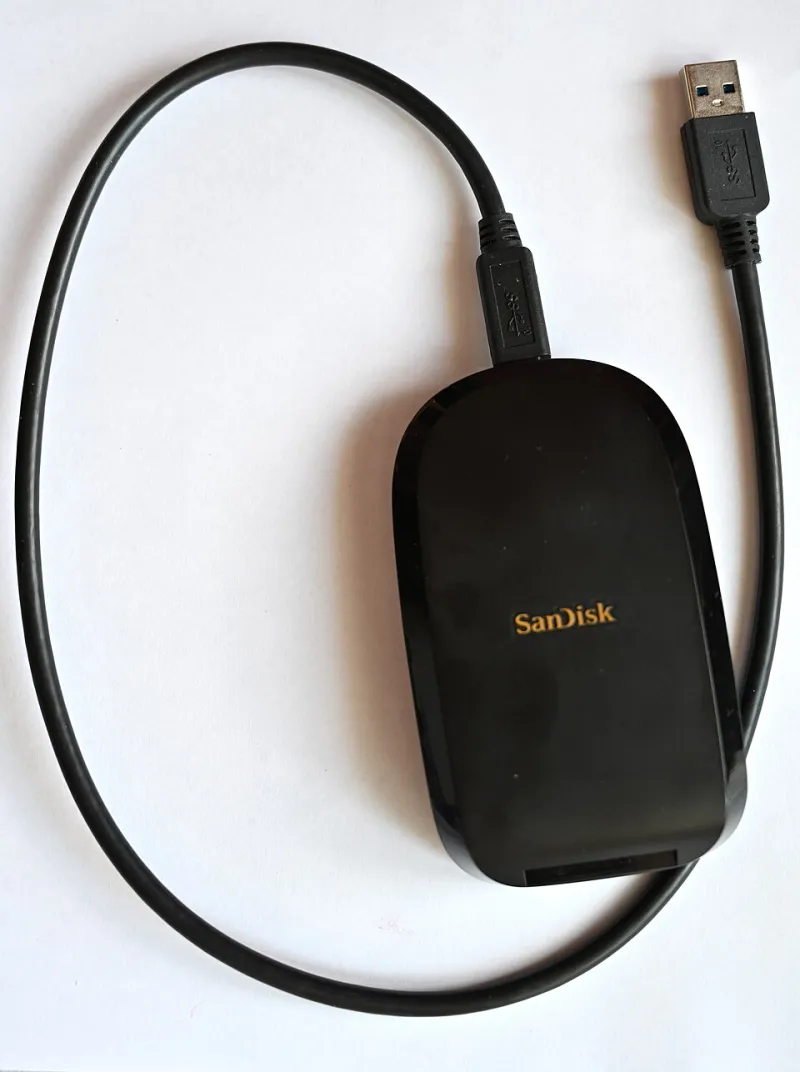
Photo: Ladislav Luppa, CC0, via Wikimedia Commons
The link nobody benchmarks
Most of us treat ingest like a checkbox. Card goes in reader, reader goes in laptop, files go to drive, coffee goes in face. The camera got researched for weeks. The card got chosen after three YouTube comparisons. The edit drive has a name and a backup schedule. The reader? It came free with something. The hub? It was $15 on sale and has a nice aluminum finish.
That is backwards. Ingest is a chain, and the chain is only as fast as its slowest powered port. I spent a week timing that chain on a boring, realistic edit bay: a 14-inch laptop, a 2TB NVMe scratch drive, one 256GB CFexpress Type B card filled with 4K footage, and a smaller UHS-II SD card for B-roll. No lab gear. No golden cables. Just the stuff a small crew actually owns.
The short version: the reader matters more than most people think, the hub matters more than almost anyone thinks, and the card you paid $400 for will happily wait on a $15 traffic jam.
How I tested without turning it into a science fair
I copied the same 256GB card to the same NVMe drive, three times per setup, and threw out the slowest run. The card held a mix of large 4K files and thousands of smaller clips, because real cards are messy. I used a stopwatch, not a benchmark utility, because I care about the wall-clock time between “card inserted” and “safe to eject.”
The setups were simple:
- A $40 USB-C CFexpress/SD combo reader from a brand you have heard of but would not tattoo on your arm.
- A $90 “pro” reader with a metal body and a much longer spec sheet.
- An old SD-only reader from the drawer, connected through USB-A.
- The $40 reader plugged into a $15 bus-powered USB-C hub.
- The $40 reader plugged directly into the laptop.
Nothing exotic. That is the point.
The $40 reader was not the problem
The $40 reader offloaded the 256GB CFexpress card in roughly 7 minutes 40 seconds. The $90 reader did it in about 7 minutes 10 seconds. That is a 30-second difference on a single card, which is not nothing, but it is not a reason to blow up a gear budget. The cheap reader was already close to the practical ceiling of the card and the laptop port.
The old SD-only reader was the first warning sign. Through USB-A, the same offload took closer to 24 minutes. No drama, no error message, just a progress bar that seemed personally offended by my schedule. If you are still using the reader that came in a camera box six years ago, you are not saving money. You are paying yourself in waiting.
Then the $15 hub entered the room
The $15 bus-powered hub turned the $40 reader into a different product. Offload time jumped to nearly 19 minutes. Same card, same reader, same drive, same coffee. The hub was not broken. It was simply sharing power and bandwidth with a mouse receiver, a phone charger, and a bus-powered SSD that I had forgotten was still connected. That is what cheap hubs do: they make everything look connected while quietly rationing the thing you actually need.
On a single card, that is an extra 11 minutes. On a four-card shoot day, it is closer to an hour. That hour is not just boredom. It is the difference between wrapping ingest before dinner and explaining to a client why the select reel is late. A $40 reader can save you an hour over a slow old reader. A $15 hub can add it right back.
The real-world math for small crews
If you shoot once a month, this feels academic. If you shoot twice a week, it compounds. A wedding shooter offloading four 256GB cards is looking at 30 minutes with a decent direct connection and well over an hour through a weak hub. A commercial crew doing a two-day interview shoot might not care about 20 minutes on set, but the editor waiting for proxies absolutely does.
The sneaky cost is not the hub itself. It is the second cup of coffee, the “quick” social media scroll, and the moment you stop watching the copy and start trusting a progress bar. Ingest is when mistakes happen. The slower and more distracted the process, the more likely a card gets formatted before the backup finishes. Speed is nice. Attention is better.
A simple ingest checklist
- Plug the reader directly into the laptop whenever possible. If you need a hub, use a powered one and keep it for peripherals, not primary ingest.
- Copy to the scratch drive first, then verify file count and total size before touching the card.
- Run a second copy to the backup drive before formatting anything.
- Keep one card in the bag until the backup has been checked on a second machine or at least a second drive.
- Label cables. The nice USB-C cable and the charge-only cable look identical at 11 p.m.
- Test any new reader or hub with a real card before a paid shoot. Ten minutes of testing beats one hour of apology.
Buying rules that actually help
Buy the reader for the card you own, not the card you might own in 2028. A $40 USB-C reader with UHS-II SD and CFexpress support covers most indie kits. Spend more only if you routinely offload multiple cards at once or need a reader that can handle a specific card format without an adapter.
For hubs, the rule is simpler: if it costs less than a sandwich and has no power input, do not trust it with your only copy of the day. A powered hub with a clear power delivery spec is worth the extra $30. A bus-powered hub is fine for a mouse and a card reader in a pinch, but it is not an ingest strategy.
And please, retire the drawer reader. The one with the bent cable and the USB-A plug. It served its time. Now it is just a tiny, plastic hour thief.