The 400 MB/s Cliff: What Sustained SSD Speed Really Looks Like Mid-Export
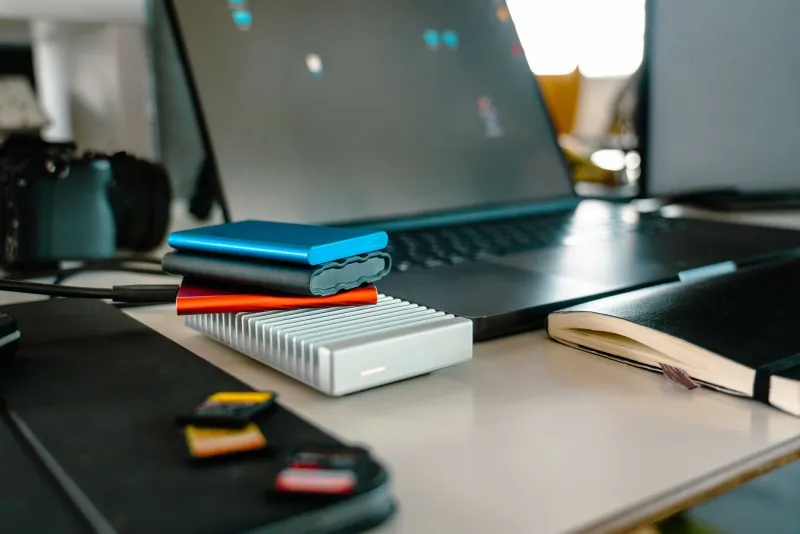
You have seen the demo. A palm-sized SSD, a bold number on the box, and a file copy that finishes before the progress bar has time to animate. Then you get it home, load a real timeline, hit export, and watch the drive settle into something closer to 400 MB/s. Nothing is broken. That is just what sustained storage looks like when the marketing department is not standing over your shoulder.
At HDFilmTools, we have been running a stack of portable SSDs and USB-C NVMe enclosures through the kind of load indie editors actually create: 4K ProRes source, Resolve cache files, Premiere auto-saves, and a 40 GB card dump happening at the same time. The pattern is consistent. Peak numbers are a sprint. Editing is a marathon, and most drives are not dressed for it.
The Box Number Is a Sprint, Not a Marathon
That 1,000 MB/s figure is almost always a sequential read speed measured under ideal conditions: a freshly formatted drive, a short burst of data, a cool controller, and a host port that supports the full interface. It is a real number, in the same way a car's top speed is a real number. You just cannot drive that way for an hour.
When you import footage, scrub a timeline, and write cache files at the same time, the drive is doing mixed work. Reads and writes interleave. Small random requests pile up. The controller has to manage heat and garbage collection. That is when the drive stops behaving like a benchmark and starts behaving like a piece of hardware.
Cache Exhaustion Is the Real Villain
Most consumer SSDs use a slice of fast SLC cache to absorb short writes. Copy a 5 GB file and the drive writes into that cache at full speed. Copy 50 GB and the cache fills up. Now the drive has to fold that data into slower TLC or QLC memory while you keep writing. Sustained write speed can fall by half or more.
DRAM-less drives feel this sooner, especially when the USB bridge and the NVMe controller are both trying to keep up. This is why a drive that imports a card in 30 seconds can crawl when Premiere is writing previews and Resolve is dumping cache at the same time. The bottleneck is not always the cable. Sometimes it is the drive doing its own bookkeeping.
Heat Is the Second Tax
NVMe drives get hot. USB-C enclosures are small, often plastic, and frequently have no thermal path between the drive and the shell. The controller hits its throttle point, and suddenly your 1,000 MB/s drive is a 400 MB/s drive with a warm bottom.
Metal enclosures help because the shell becomes a heatsink. A thermal pad between the drive and the case helps more. A tiny fan helps more than most people expect. If you are editing from a bus-powered drive that is also charging a laptop, you are asking a lot from a package the size of a deck of cards.
USB-C Is a Connector, Not a Speed Rating
This is the part that trips up half the editors we talk to. USB-C is a plug shape. The actual link can be 5 Gbps, 10 Gbps, 20 Gbps, or Thunderbolt. A drive rated for 1,000 MB/s needs at least a 10 Gbps link, and the cable has to support it. The short cable in the box may be fine. The long one you grabbed from a drawer may not be.
Also check the port. USB 3.2 Gen 2x2 offers 20 Gbps, but many Macs do not support it. Thunderbolt 3 and 4 are faster and more flexible, but the drive still has its own ceiling. Buying a faster enclosure will not fix a slow cable or a port that is negotiating down to 5 Gbps.
What Premiere and Resolve Actually Ask For
For most 4K ProRes 422 or DNxHR timelines, a sustained 300 to 400 MB/s is plenty. The problem is not the raw number. The problem is consistency. If the drive drops to 80 MB/s during a cache write, your timeline stalls, your export sits at 99 percent, and you start blaming the software.
Keep your media cache and scratch files on a separate SSD from your source footage when you can. Do not edit from the SD card. Give the drive some free space, because full drives slow down. And if you are working with 8K RAW or multicam, budget for a drive that can hold sustained writes, not just a drive with a big peak read number.
The $60 Enclosure Fix
A bare NVMe drive and a USB 3.2 Gen 2 enclosure with a Realtek RTL9210B or JMicron JMS583 bridge is still one of the best deals in indie post. You get to choose the drive, add a thermal pad, and put it in a metal case. Total cost can land around $60 to $80 for a 1 TB setup if you shop the US retailers carefully. It will not beat a premium Thunderbolt drive, but it will hold its speed better than a sealed plastic stick with no heatsink.
The free fixes matter too. Move cache off the source drive. Stop daisy-chaining bus-powered drives. Give the enclosure air. Run a 5 GB stress test in Blackmagic Disk Speed Test and watch the number over time, not just at the start. Copy a 50 GB folder and time the last 10 GB. That is the number that matters when you are on deadline.
What to Expect in 2026
Faster interfaces keep arriving, and prices keep drifting down. But the fundamentals have not changed. Sustained performance is a thermal and controller problem, not just a spec-sheet problem. Buy for the speed the drive holds after five minutes of work, not the speed it hits for five seconds. Your export button will thank you.