The Preamp Problem: Why Your Next Audio Upgrade Isn't a Microphone
The camera input is the bottleneck
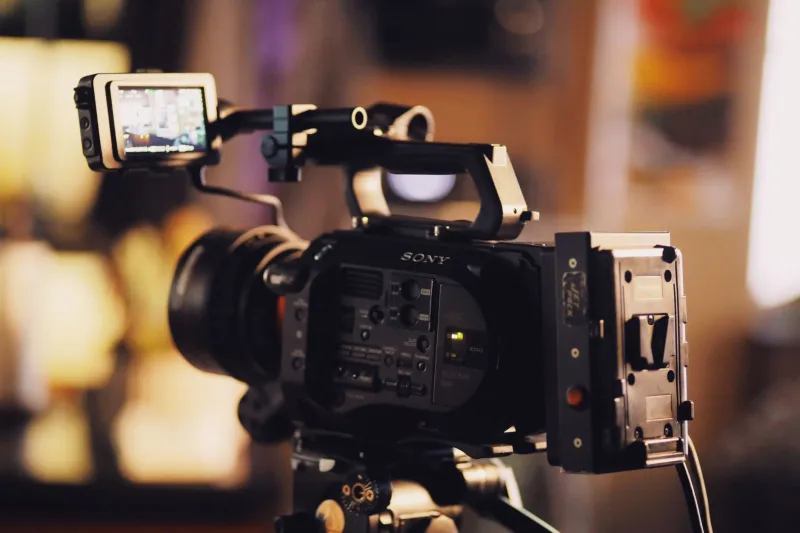
You finally moved up to a 4K body. You bought a decent shotgun mic, maybe a $300 to $600 model, and plugged it straight into the camera's 3.5mm or XLR input. The first playback sounds thin, hissy, and weirdly quiet until you crank the gain, at which point the noise comes up with the dialogue. That is not usually a microphone problem. It is a preamp problem.
Camera audio is a convenience feature. Even in 2026, plenty of $1,500 to $3,000 mirrorless and cinema bodies have preamps that are good enough for scratch audio and not much else. They have limited clean gain, a higher noise floor than a dedicated recorder, coarse level controls, and limiters that sound more like a panic button than protection. A better mic can actually make the weakness more obvious because it delivers more detail, including the noise the preamp adds.
What a $600 mic can and cannot fix
A $600 shotgun is a useful tool. It can give you a tighter pattern, better off-axis rejection, and a more controlled low end than a cheap on-camera mic. But it cannot fix a noisy input. If the camera preamp is adding hiss at 40 percent gain, a nicer mic just gives you nicer hiss. If the camera's limiter is clipping dialogue on a laugh or a slammed door, a nicer mic will not add headroom.
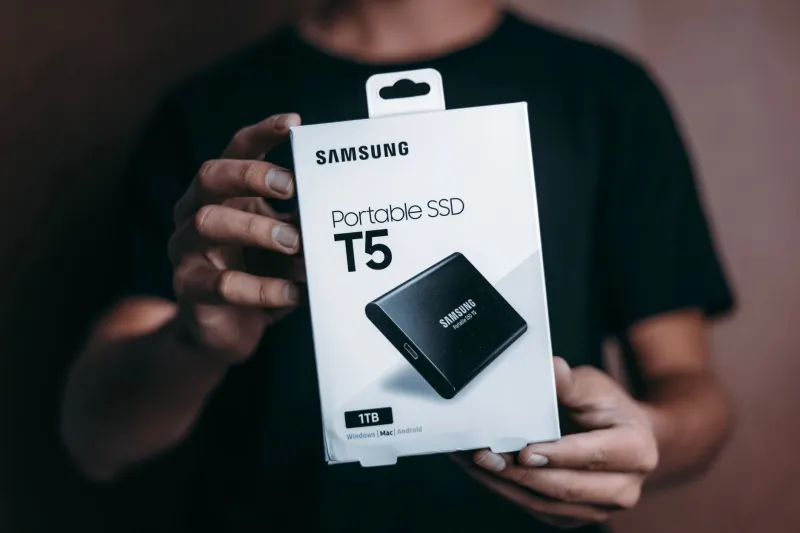
The money is usually better spent on the input stage first. In the US right now, a Zoom H5 runs about $279, a Tascam DR-40X around $199, a Zoom F3 around $349, and a Zoom F6 around $749. Sound Devices MixPre-3 II is still a serious step up at roughly $899. Those are not just boxes with mic inputs. They have cleaner preamps, real limiters, better metering, and headphone outputs you can actually trust.
Audio interfaces like a Focusrite Scarlett 2i2 at about $199 are great for studio voiceover, podcasting, or music. They are not the right tool for a run-and-gun set where you need a battery-powered recorder in a bag. For indie film, a compact field recorder is the practical upgrade.
A simple dual-system workflow
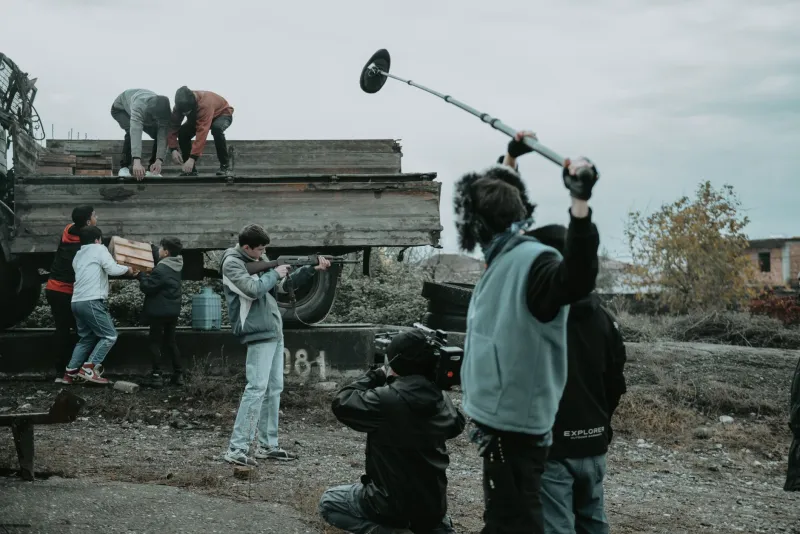
Dual-system sound sounds intimidating. It is not. You are just recording audio to a separate device and syncing it in post. Here is a workflow that works for a two-person crew.
- Set the recorder to 24-bit/48kHz WAV. If you have a 32-bit float recorder like the F3 or F6, use it. Enable the low-cut filter around 80 to 100 Hz and turn on the limiter.
- Plug the shotgun into the recorder, not the camera. Put the mic close to the actor. Distance is still the biggest audio upgrade you can make. Set gain so normal dialogue peaks around -12 dBFS.
- On the camera, record scratch audio. Set the camera's audio gain manually and low. Do not rely on auto gain. You only need a reference track for sync.
- Slate every take. A clap works. A verbal slate works. If you have the budget, a Tentacle Sync E timecode box runs around $349 and can save time on longer shoots. For a short, a clap is fine.
- In post, import the recorder audio and camera video. Use the sync-by-waveform tool in DaVinci Resolve or Premiere Pro. Check a few frames at the start and end of each take for drift. Then replace the camera audio with the recorder track.
The fix that beats a $600 mic
If you already own a decent shotgun, spend the next $350 on a recorder and a pair of closed-back headphones. A Sony MDR-7506 is about $99 and still a reference for a reason. Add a good XLR cable and a way to mount the recorder. You are still under the price of a high-end mic, and you have fixed the actual weak link.
If you are starting from zero, do not blow the whole audio budget on one microphone. A $200 to $350 recorder plus a $300 to $400 shotgun will beat a $600 mic into a camera input almost every time. The camera is a picture camera. Let it be a picture camera.
The trap is thinking a single purchase will fix sound. Sound is a chain. The preamp is the link most indie filmmakers ignore, and it is usually the one that costs the least to repair.