The Free-Tier Invoice: What Resolve, CapCut, and HitFilm Actually Cost a US Editor in 2026

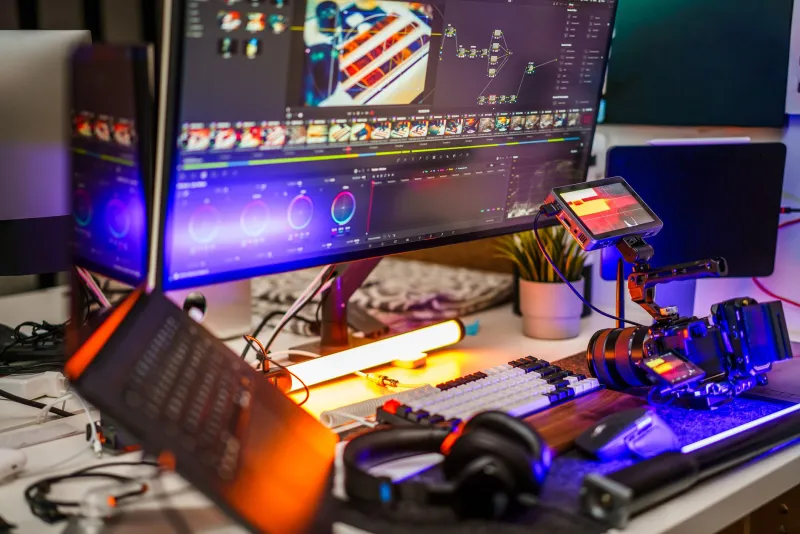
Photo by Photo by Jakub Żerdzicki on Unsplash on Unsplash
Free editing software is a great deal right up until the invoice arrives in the form of a watermark, a cloud-storage nag, or a weekend lost to workarounds. In 2026, the three names US indie editors ask about most are DaVinci Resolve, CapCut, and HitFilm. All three have free tiers. None of them are actually free if you value your time, your storage, or your client deliverables.
Let's audit the total cost of ownership—not just the number on the pricing page.
The Sticker Price Is a Decoy
Software companies are not charities. The free tier exists to get you into an ecosystem, and the real bill shows up in different places: subscriptions, cloud storage, licensed music, plugin packs, hardware requirements, and the soft cost of learning a tool that may not fit your workflow. A $0 download can cost more than a $295 license if it pushes you toward monthly add-ons or limits the kind of work you can deliver.
So instead of asking which app is free, ask which app is cheap for your actual jobs. A wedding editor, a YouTube creator, and a VFX hobbyist will get very different answers.
DaVinci Resolve: The Free Version That Actually Ships
Resolve is the outlier. The free version is not a demo with a countdown timer. It includes the core edit page, color page, Fairlight audio tools, and Fusion compositing. It does not slap a watermark on your export. For a lot of US indie editors, the free version can carry real client work, especially if you are delivering 1080p or 4K projects and you can live without the Studio-only features.
Resolve Studio is a one-time purchase, typically around $295. That is not nothing, but it is not a subscription. The hidden costs are elsewhere. Resolve loves a capable GPU, fast storage, and RAM. If you are coming from a lightweight editor, you may discover that your old laptop is now the bottleneck. Training is another line item—Resolve's depth is a feature, but it is also a learning curve. And the free version has limits around some advanced noise reduction, optical flow, and collaborative workflows that may matter once your projects get bigger.
Best fit: editors who want a long-term tool for color, long-form projects, and client work that does not need social-media hand-holding.
CapCut: Cheap Until Your Workflow Gets Expensive
CapCut is the opposite energy. It is fast, template-driven, and built for short-form video. The free tier is genuinely useful for quick social cuts, but the paid tier is where the workflow starts to feel normal. CapCut Pro is a monthly or annual subscription, and the price can shift with promotions and regional pricing. Budget roughly $10 to $20 per month depending on the plan and the features you need.
The catch is not always a giant watermark. It is the small stuff. Template-driven exports can carry branding or restrictions. Licensed music and premium effects often sit behind Pro. Cloud storage is capped or upsold. The features that make CapCut pleasant—auto-captions, background removal, trendy transitions—are exactly the features most likely to be paywalled or limited. If you are cranking out client social videos, a CapCut subscription can be a bargain. If you are cutting a 40-minute documentary, you will probably hate your life.
Best fit: social-first creators and small teams that need speed more than granular color control.
HitFilm: The Compositing Bargain With a Caveat
HitFilm has a loyal following because it offers compositing and VFX tools at a price that used to be unheard of. The free tier is real, but it is not the whole story. Some advanced features, export options, and plugin-style effects sit behind the paid tiers. The paid version is subscription-based, and the price depends on the plan you choose. For VFX-heavy indie work, that can still be a good deal compared with buying a separate compositor and editor.
The hidden cost here is ecosystem and training. HitFilm is not as widely used as Resolve or Premiere, which means fewer tutorials, fewer community templates, and fewer freelance editors who already know it. If you are a solo creator who loves compositing, that may not matter. If you are hiring help or collaborating with a client's existing team, it can become a real workflow tax. Plugin packs and training courses add up, too.
Best fit: indie creators doing effects-driven short films, YouTube VFX, and hybrid edit-composite projects.
The Hidden Line Items Nobody Puts on the Sales Page
Here is what a realistic first-year budget looks like beyond the subscription or license:
- Storage: A working 4TB SSD can run $250 to $400 in the US. A backup drive is another $150 or more. Footage does not shrink because the software was free.
- Plugins: A single plugin can cost $50 to $300. A pack can cost more than the editor itself.
- Music and sound effects: Subscription libraries often run $15 to $30 per month. Free libraries exist, but the good stuff is usually licensed.
- Training: A decent course can run $20 to $100. Your time is the bigger cost.
- Hardware: Resolve and HitFilm can demand more GPU and RAM than CapCut. A GPU upgrade can easily hit $300 to $800.
- Client revisions: If a free-tier export limit or watermark forces a re-export at the last minute, that is a cost measured in stress and reputation.
How to Choose Without Getting Played
Start with the deliverable, not the download button. If you need serious color, long timelines, and a one-time license, Resolve is the safest bet. If you need daily social content and the subscription is cheaper than the hours you would spend fighting a heavier tool, CapCut Pro can make sense. If compositing is the center of your work and you can live with a smaller ecosystem, HitFilm is worth a test drive.
Then run a real project through each candidate before you pay. Export a two-minute clip with titles, color, audio, and a client review link. Check the export settings, the watermark situation, and the storage footprint. Add up the first-year cost, including the stuff on this list. The cheapest software is the one that lets you finish the job without a surprise invoice—or a surprise workaround at 11 p.m. the night before delivery.